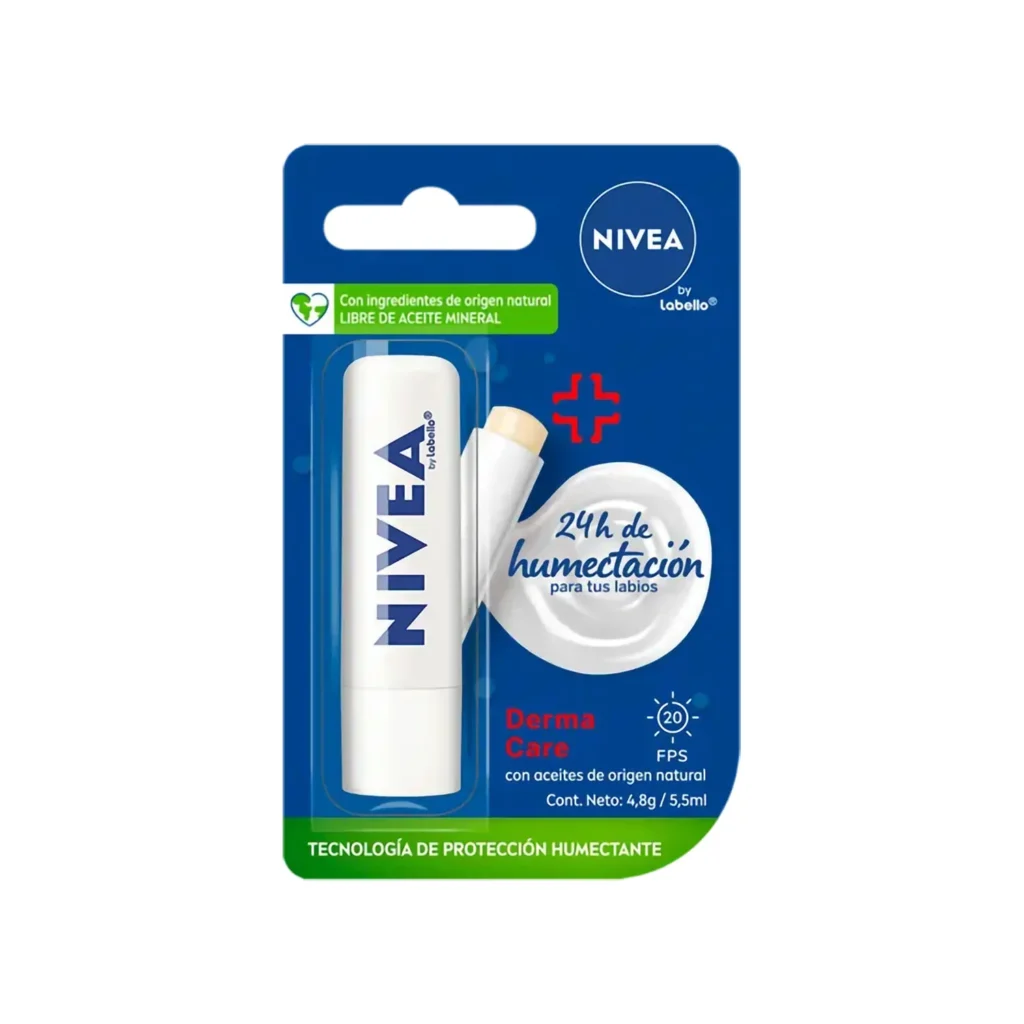
Bálsamo Labial Labello Derma Care $8.714,68El precio original era: $8.714,68.$6.100,28El precio actual es: $6.100,28. Precio sin imp. nacional$5.041,55
Best OnlyFans Downloader Chrome Extension – Practical Guide
What Is an OnlyFans Downloader Chrome Extension?
An OnlyFans downloader Chrome extension is a small software add‑on that integrates directly into the Google Chrome browser and enables users to save photos, videos, and other media from OnlyFans creators to their local device. Unlike standalone download managers, a Chrome extension works on the same page you are browsing, automatically detecting downloadable content as you scroll.
The core idea is convenience: you click a button in the toolbar, select the items you want, and the extension handles the download process. Because it runs inside the browser, it respects the same login session you already have, eliminating the need to re‑enter credentials or use external tools.
Key Features to Look For
When evaluating the best onlyfans downloader chrome extension, focus on functional features that affect speed, compatibility, and safety. Below are the most common capabilities you should compare.
Download Speed & Parallelism: Ability to fetch multiple files at once without throttling.
Batch Download: Select an entire gallery or timeline and download it in a single operation.
Supported Media Types: Photos, videos, audio clips, and sometimes embedded text posts.
Quality Options: Choose original resolution or a compressed version to save bandwidth.
Additional niceties such as a built‑in dashboard that shows progress, pause/resume controls, and automatic folder organization can make the tool feel more like a professional workflow solution.
Benefits of Using a Chrome Extension for OnlyFans Content
Choosing a Chrome‑based downloader brings several practical advantages over desktop applications. First, the extension inherits the browser’s authentication cookies, meaning you stay logged in with the same account you use to view content. This reduces friction and eliminates the risk of exposing credentials to a separate program.
Second, extensions are typically lighter on system resources. Because they run in the browser sandbox, you avoid the overhead of a full‑featured download manager. Finally, updates are delivered through the Chrome Web Store, ensuring you receive security patches and new feature releases automatically.
All three options meet the basic expectations of a reliable best onlyfans downloader chrome extension. Your choice will depend on whether you prefer a free solution with optional upgrades or a modest one‑time purchase for a polished experience.
How to Install and Set Up the Extension Safely
Installing a Chrome extension is straightforward, but you should follow a few safety steps to protect your account and personal data.
Installation Steps
Open the Chrome Web Store and search for the extension name.
Click “Add to Chrome” and confirm the permission dialog.
After installation, the icon appears next to the address bar.
Log in to OnlyFans as usual; the extension will detect your session automatically.
Permissions & Security
Most downloader extensions request access to “Read and change all your data on the websites you visit.” This is required to capture media URLs, but you should verify that the developer has a reputable profile and recent updates. Avoid extensions that ask for unrelated permissions such as access to your browsing history on unrelated sites.
Common Use Cases and Who Should Use It
Not every OnlyFans subscriber needs a downloader, but certain scenarios make the tool especially valuable.
Content Creators: Save your own posts for backup or repurposing across platforms.
Researchers & Journalists: Archive public posts for reference while maintaining a record of the original source.
Fans with Limited Connectivity: Download media when you have a strong Wi‑Fi connection to view offline later.
If you frequently interact with large galleries or want to keep a personal archive, the best onlyfans downloader chrome extension can streamline the process and reduce manual effort.
Pricing Models and Cost Considerations
Pricing varies widely across extensions. Some offer a completely free version supported by ads or limited daily download quotas. Others adopt a freemium model: basic features are free, while premium tiers unlock batch downloading, higher speed, or priority support.
When budgeting, consider the long‑term value. A modest one‑time fee may be cheaper than a subscription that renews annually, especially if you only need occasional downloads. Always check for hidden costs such as in‑app purchases for additional storage or premium filters.
Support, Updates, and Reliability
Reliable extensions provide responsive support channels—typically a dedicated email address, a community forum, or a Discord server. Look for developers who publish a changelog and release updates at least every few months.
Reliability also ties into how the extension handles changes to the OnlyFans website. Since the platform frequently updates its layout, a well‑maintained downloader will adapt quickly, minimizing downtime. Checking user reviews for recent complaints can give you an early warning about potential breakage.
Final Decision Checklist
Before committing to a best onlyfans downloader chrome extension, run through this short checklist to ensure you’ve covered the essentials.
Does the extension support batch downloads and the media types you need?
Are the required permissions limited to OnlyFans‑related domains?
Is there a clear pricing structure that matches your budget?
Does the developer provide regular updates and responsive support?
Have you read recent user feedback to confirm current functionality?
Answering “yes” to most of these points will give you confidence that the extension will meet your workflow needs without compromising security.
For a broader look at top OnlyFans tools and community recommendations, check out the onlyfans best list which aggregates user reviews and feature comparisons.